
Hello,
This is our newsletter for our dear customers, esteemed partners, and all sympathizers.
Read our newsletter and learn more about what was happening in Leyline development and events.
Here’s what happened in 2026 so far.
2026 Q1-Q2 Highlights
First half of the year was very busy for us.
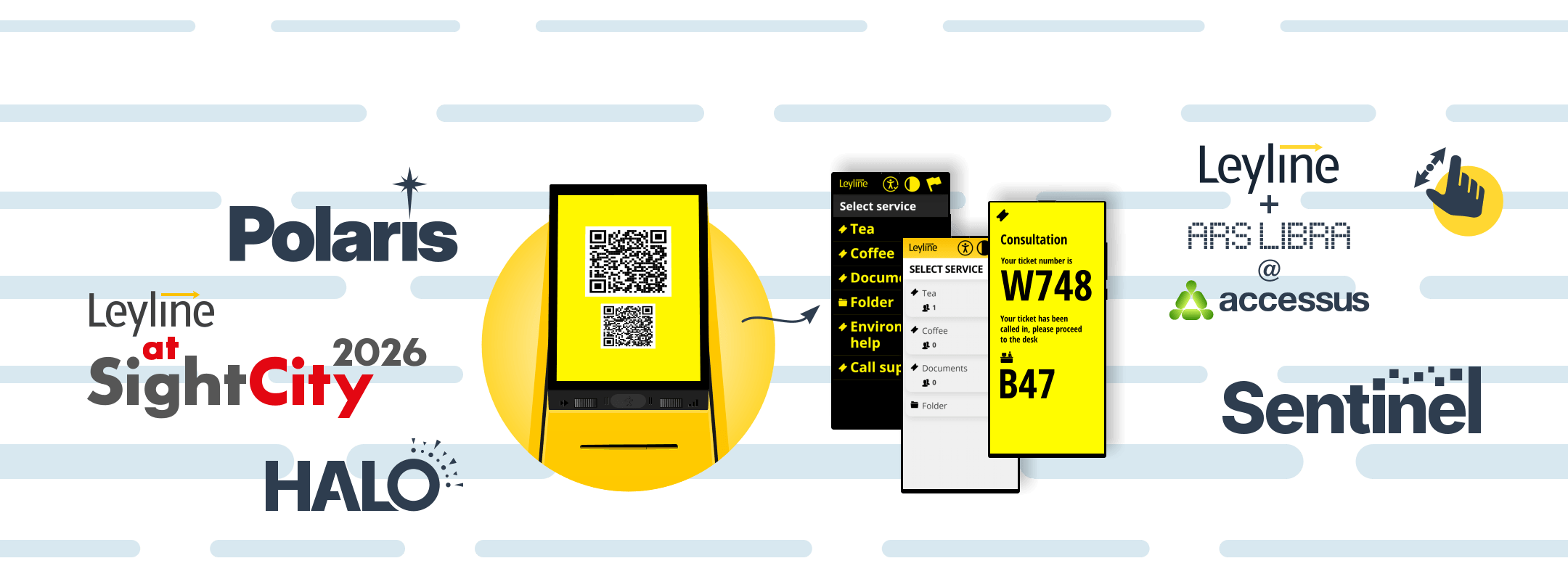
Some important updates to accessibility of our kiosks, even if you do not opt-in to install “Portal”, you get some accessibility features for free from the software side. We’ve added a QR-code on kiosks so people with mobility difficulties, deaf people, people with low vision can get a ticket on their phone, get notifications there. All other people can benefit from this function too, of course, e.g. you can follow your place in the queue, among other things.
We also have pan-pitch-zoom functionality (finally), useful for people with low vision and limited mobility.
We’ve had multiple meetings with organizations and were exhibitors on the first Accessus accessibility expo in Lithuania.
We have a few custom cases with employee management via our systems, when employees need to stand in queues. Mobile, QRs, daily limits, reports, you name it. Send us a note if you are interested, custom solutions are possible.
We are constantly working on improving both our software and hardware. We have been experimenting with some new options for our VISION displays, a few pilot places are already installed, the displays are a lot brighter without losing the great viewing angles.
And finally, we have visited SightCity Expo in Frankfurt, Germany, which is becoming a habit.
This year not only were we going to be exhibitors, but we’ve been working hard with SightCity to help and improve the infrastructure of the Expo itself, we were providing the ticketing system, self-service entry kiosk for customers, apps for SightCity staff to validate tickets and some useful dashboards, like the number of people inside for fire marshals. Everything is heavily geared towards accessibility, of course.
This is yet another spin-off of our main Leyline project, we call it Sentinel.
Easy, inclusive, versatile. As simple as that. Can be installed in a matter of minutes and removed just as easily. We know, we did it on SightCity, we eat our own dogfood.
We had very positive feedback from the organizers, a couple of fails, of course, but all in all we’re happy, organizers are happy, and the end users are happy.
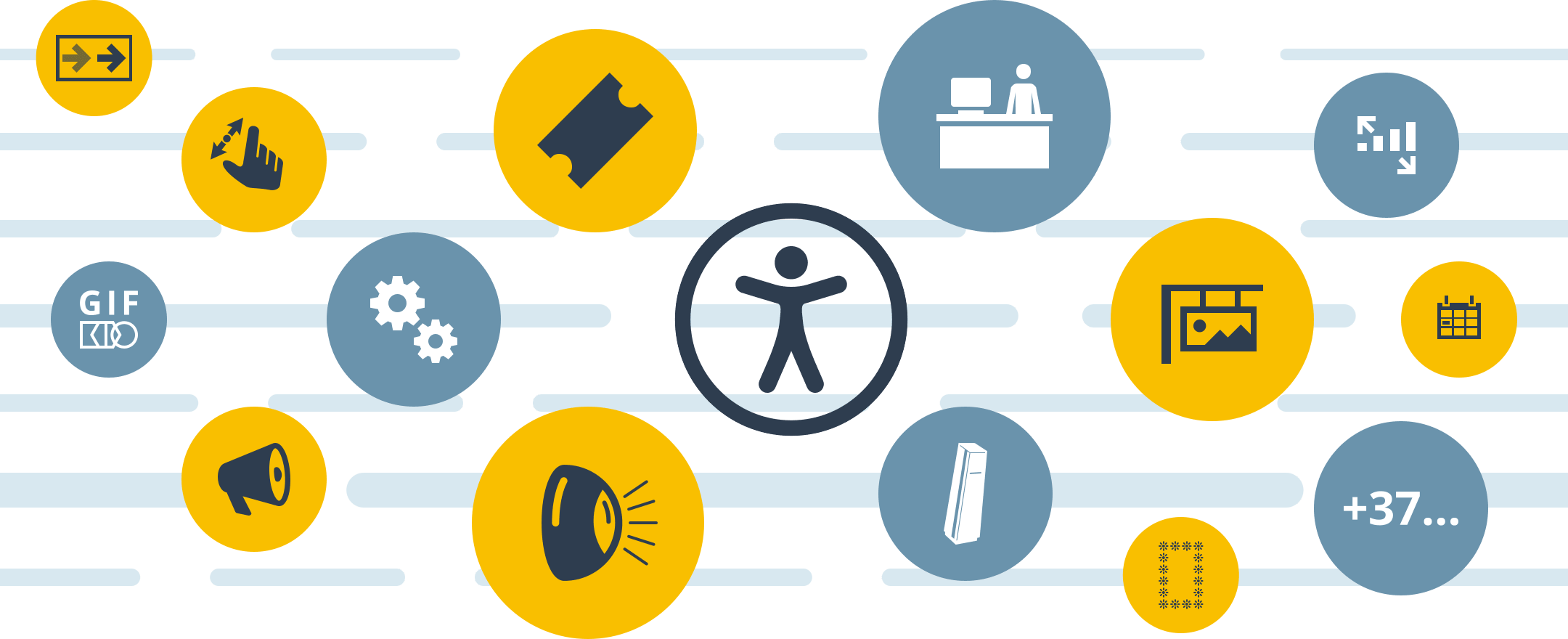
Full list:
Accessibility
- Phone entry from the portal, when you need to ask for a number to notify customers
- Better error message reports for blind people
- A lot of improvements on our booking page
- Pan-pinch-zoom option allows people with low vision or mobility difficulties to use the kiosk even easier
For operators and admins
- Visuals updates and bugfixes
Signage
- Mass edit/delete option is now available
- Creation date column in admin
- Gif uploads (not sure why, but it’s there)
- Video blinking: previously at the end of a playlist there was a black screen for a fraction of a second, now the playback is seamless, if your signage is “loopable” you’re going to have a much better time
Kiosk
- Info text can now be multiline
- “Pre-booked clients” option on the kiosk now has a different icon and is above live queue, those who did their homework are at the top
System
- Huge performance updates on modern devices when loading accessibility voices
Hardware
- New Vision 10” displays are much brighter without losing the great viewing angles and other attributes that we had before
- Halo: a new “head” for our kiosks that has LED lamps, useful for indication, like on the access control self-service kiosk scanners
- It is now possible to remotely toggle kiosk printer looper on and off, can be useful if your paper gets stuck in the kiosk when the roll is at its end
New stuff
- Sentinel system: scanner kiosks, scanner phones, custom ticketing logic, live and post-facto reports